Most digital citizenship and online safety programs share the same problem: they lecture students about risks without ever making those risks feel real. Students hear “don’t click suspicious links” and nod. They don’t change anything.
Hack Attack: Defense works differently. Players don’t read about cyberthreats — they face them. When a Phishing card lands on the table and a student watches their Password card get taken, they’re not processing a rule. They’re reacting. That reaction, and the conversation it starts, is where real learning happens.
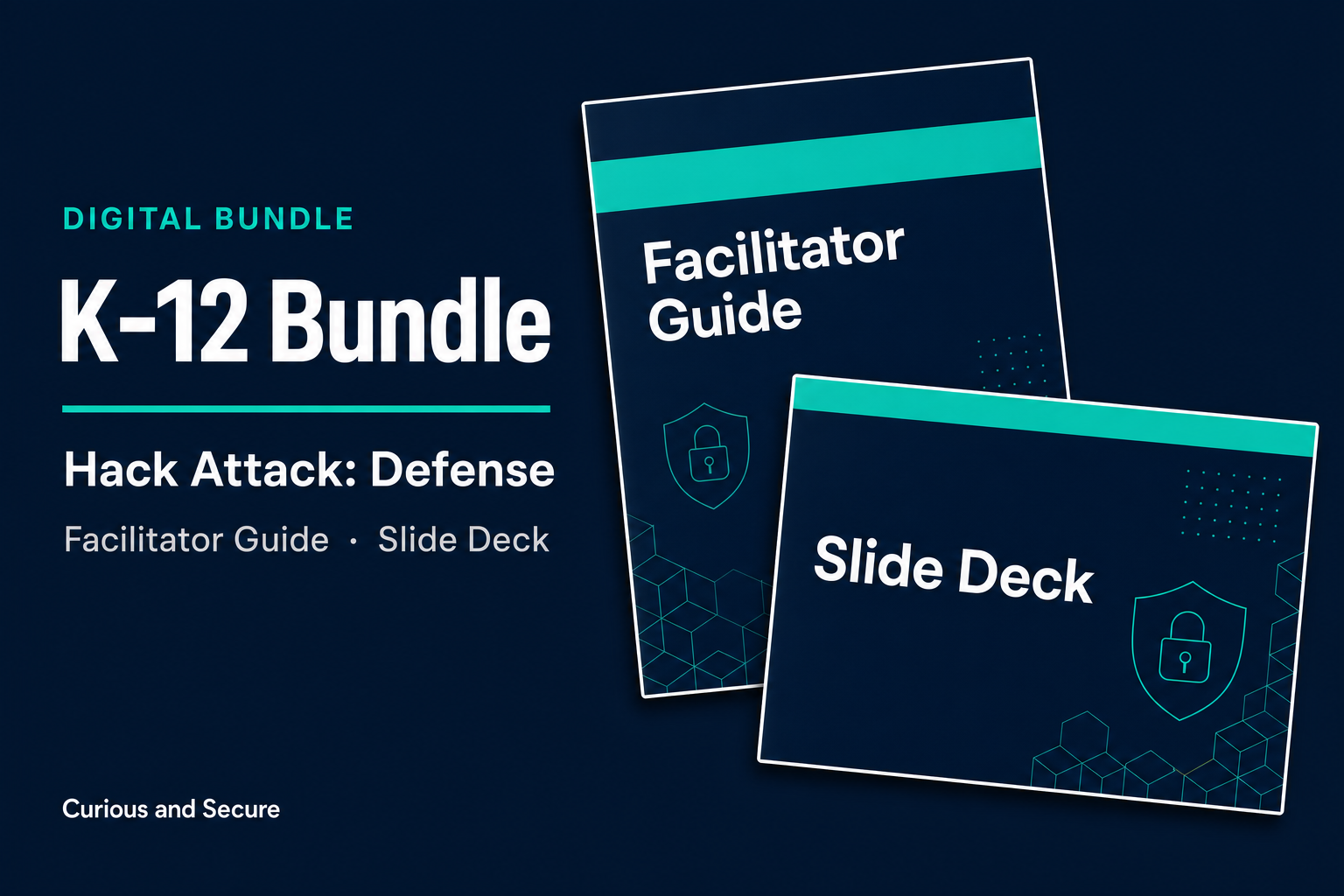
The Middle & High School Full Bundle gives teachers, librarians, and after-school program directors facilitation materials (i.e., a guide and slide deck) to run that session with confidence — from a 5th-grade classroom to a high school computer lab.
What’s Included:
Hack Attack: Defense — the game
On copy of the physical card game. Supports 2–6 players per session. Run it in a single class period, a library program block, or as part of a broader digital citizenship unit.
Middle & High School Facilitator’s Guide — Version 1.0 PDF
A grade-band differentiated facilitation guide built for educators, not security professionals:
- How to Use This Guide: Orientation page with three usage modes (before, during, after) and grade-band navigation — labeled throughout with 5–6, 7–8, and 9–12 chips so you never have to guess which discussion questions fit your students
- Facilitator Quick Start: The full game rules in 30 seconds, table rules students will ask about, and three official difficulty variants including a simplified mode for 5th–6th grade
- Section 1 — Before You Facilitate: What this session accomplishes, what it doesn’t, what you need, and grade-band adaptation guidance for upper elementary, middle, and high school
- Section 2 — Session Agenda: A timed 45-minute agenda you can run as-is or adapt; notes on extending to 60–75 minutes for deeper debrief
- Section 3 — Running the Game: The 60-second rules explanation adapted for students, Attack card resolution with player-count thresholds, User Error chain mechanic, a common student Q&A (passkeys, antivirus on phones, smishing, vishing, AI voice cloning), and a troubleshooting table for six common facilitator situations — including guidance for when a student shares something concerning
- Student Facilitator Guidance: How to set up a peer-led session — prep requirements, adult pairing, safeguarding handoff, and what to tell the student facilitator that experienced facilitators know
- Section 4 — Debrief by Category: Grade-band discussion guides (5–6, 7–8, 9–12) for all six defense categories — Backups, Device Security, Home Network, Passwords (including passkeys), Social Engineering, Social Media — plus the Reality Check capstone
- Section 5 — Attack Card Debrief: Facilitation notes for each of the eight attack cards, framed in terms students encounter (gaming accounts, school devices, DMs, fake giveaways, AI voice scams)
- Section 6 — Your School or Library Context: Scenario bridge from game to school/library equivalents with fill-in columns, plus specific framing for library shared computers and after-school programs
- Section 7 — User Error Card Debrief: All eight user error cards individually covered — Mystery Text Link, Wi-Fi Name Trickery, Forgot to Sync, Photo Tag Surprise, Unpatched App, Sketchy USB Found, Sketchy QR Code, and Reused Password — each with grade-band discussion prompts and the specific habit to build
- Section 8 — Action Items & Close: The One Habit framework for a specific 48-hour student commitment, plus Family Conversation Starters — four specific questions students can bring home
- Section 9 — Standards Alignment: How this session maps to NICE K–12 / NICCS, ISTE Standards for Students (current numbering), CSTA K–12 CS Standards, Common Sense Media Digital Citizenship, and Utah Digital Literacy Standards (CTE, Grades 7–8, Strand 4)
- Appendix A — Completion Certificate: Print-ready certificate for student participants
- Appendix B — Attendance Log: Documentation template for program records
- Appendix C — Defense Categories Quick Reference: One-page lookup for facilitators during the session
Middle & High School Facilitator Slide Deck
A participant-facing presentation designed for the school and digital-life context — built to run on screen during the game and debrief:
- Session overview and agenda
- How to play (quick reference for students)
- The four card types — visual reference with real card images
- One slide per defense category, with the key insight and grade-appropriate examples
- Reality Check — full-page treatment connecting the game to students’ actual online lives
- One slide per attack card, framed around platforms and scenarios students recognize
- One slide per user error card
- The One Commitment close — students name one specific habit they’ll act on in the next 48 hours
- Resources to take home (family conversation starters, where to learn more)
Who It’s For
Middle and high school teachers running a digital citizenship, computer science, or advisory period unit who need something that actually holds student attention for 45 minutes.
School librarians whose computers and shared networks are rarely addressed in standard cybersecurity training — this session is directly applicable to the library context.
After-school program directors looking for security and digital safety programming that was built for youth, not repurposed from adult compliance training.
District curriculum coordinators with a digital citizenship mandate and a need for standards-aligned, documentable programming.
PTSA and parent organizations who want a tool for talking to kids about online safety — the family conversation starters make it work beyond the classroom.
CTE and cyber club programs looking for a peer-facilitation experience — high school students can facilitate for middle school and upper elementary groups. The guide includes explicit student facilitator prep guidance and a safeguarding handoff protocol.
No security expertise required to facilitate. The guide and deck carry the content — you bring the conversation.
What this license covers
One educator, one school. Run it with your own classes as many times as you like, and print what you need for them.
It doesn’t cover reselling these materials or sharing them beyond your school. If you want this across a district, or several educators trained to run it, that’s a different license — email lee@curiousandsecure.com and we’ll sort it out.
Reviews
There are no reviews yet.